
Spend Elon Musk's Money
About this game
Spend Elon Musk's Money
Spend Elon Musk's Money is a click-to-spend fortune simulator. Start with a trillion-dollar virtual balance and burn through it on private jets, superyachts, islands, rockets, and the occasional questionable purchase, until the number finally hits zero or your patience runs out first.
How big is a trillion, really? Read the visual guide
Numbers that are hard to grasp? Read 20 facts that sound fake
Another game about scale: Size It Up
Games like Size It Up? Read the size comparison game guide
The joke is scale. A million feels large. A billion feels abstract. A trillion barely feels like a number at all until you start subtracting real-ish prices and watching the balance barely move. That delayed shock is the whole point of the genre, and this version leans into it without ads interrupting every few clicks.
Browse categories, add items to your cart, sell anything back if you change strategy, and download a PDF receipt when you want a souvenir. Everything runs locally in your browser. No account, no app install, no real money, and no endorsement from Elon Musk or any company attached to the name. It is a parody-style toy for curiosity and boredom, not a financial product.
A good first run is thematic: build a private space program, assemble a car collection, or try to empty the fortune with only oversized purchases. Random clicking works too, but themed runs make the remaining balance more interesting to compare with friends. After five minutes, most people realize they still have absurd amounts left, which is exactly when the scale finally clicks.
If you want the physical comparisons behind the number, read our visual guide on what a trillion dollars looks like. If you want more free browser toys after the shopping spree, try another game about scale: Size It Up, or jump back to the Have Fun hub for Stack Tower, Sudoku, and quick reflex tests with no download required.
This page is built for people searching spend Elon Musk money, spend a trillion dollars online, or similar fortune-spender games. What you get here is an ad-light version inside a larger free collection, with sell-back controls and a receipt export so the session feels complete instead of unfinished when you close the tab.
How to play
- Browse categories: vehicles, real estate, companies, experiences, and miscellaneous chaos.
- Click or tap an item to add it to your cart and subtract it from your balance.
- Change your mind: sell items back if you want to reallocate toward something bigger.
- Download a PDF receipt anytime, or hit Reset to clear the cart and restore the full trillion.
Tips and strategy
- Buy the biggest-ticket items first (aircraft carriers, entire companies) to make a real dent before the smaller purchases start to feel pointless.
- Try a themed run: an entire private space program, a car collection, a private island compound, rather than clicking randomly.
- Compare your remaining balance after five minutes to how far you thought you'd get. That gap is the actual joke of the whole genre.
- Download a PDF receipt before refreshing if you want a permanent souvenir of the run.
What you get
- A trillion-dollar starting balance
- Dozens of purchasable categories from coffee to spacecraft
- Sell-back option to change your spending strategy mid-run
- Downloadable PDF receipt with a link back to iambored.blog
- No ads interrupting the experience, no account required
Keep playing
You might also like
Bored again? Pick another free browser game from our Have Fun collection. No login, no download.
-
 Have Fun
Size It Up
Size It Up: resize cutouts to real-world scale. 300 objects, 44,850 possible levels. Free, no download.
-
 Have Fun
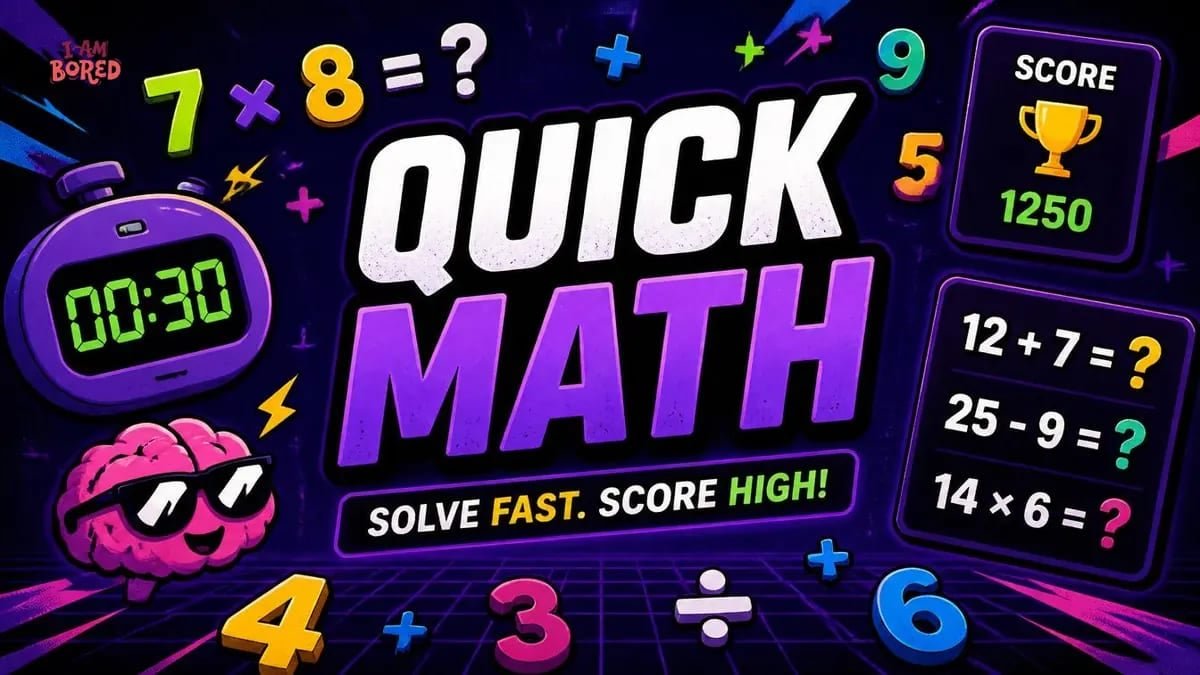
Quick Math
Free quick math game online. Timed arithmetic sprint with addition, subtraction, and multiplication. Correct answers add bonus seconds. No signup, works on mobile.
-
 Have Fun
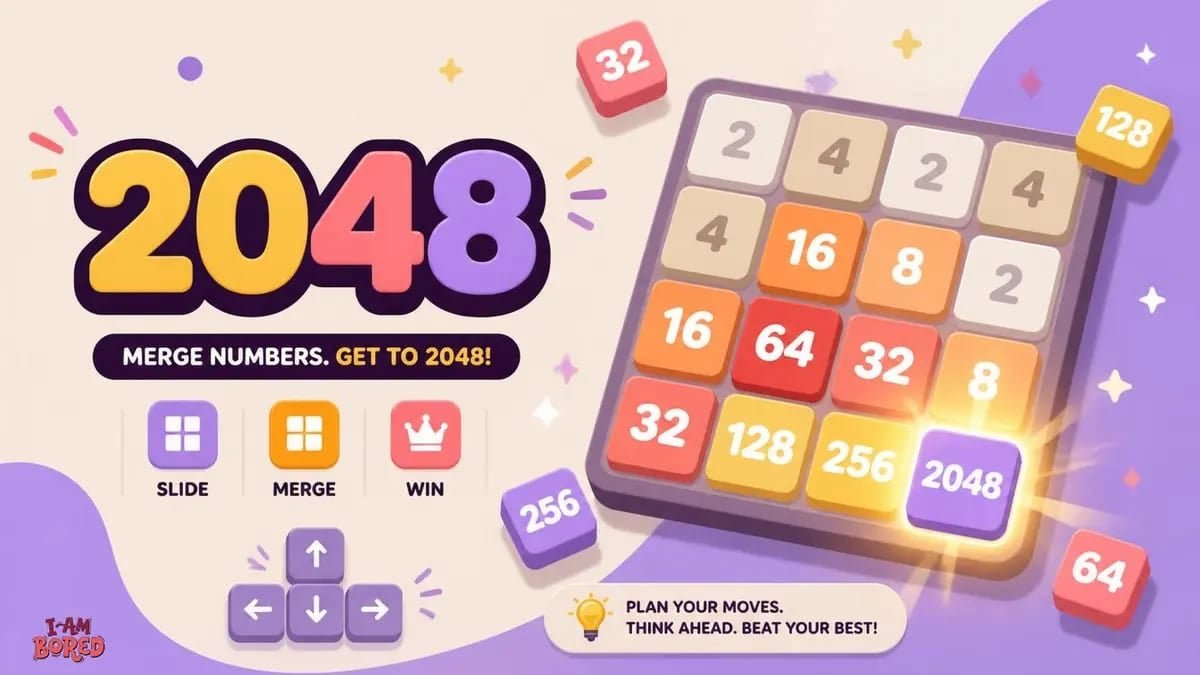
2048
Play 2048 online free. Slide and merge tiles on a 4x4 grid to reach 2048. Classic puzzle rules, no ads, no download, works on phone and desktop.


FAQ
Questions about Spend Elon Musk's Money
Quick answers about how Spend Elon Musk's Money works on iambored.blog. Free to play in your browser with no account required.
01Is this game free?
Yes, completely free with no account, no download, and no in-game purchases required.
02Is this affiliated with Elon Musk?
No. This is a parody-style simulator for entertainment only, not affiliated with or endorsed by Elon Musk or any of his companies.
03Can I actually spend all the money?
Technically yes, but it takes real strategy. Buying only small items barely makes a dent, the fastest route is stacking the largest available purchases.
04Does it work on mobile?
Yes, the game is fully playable on phone and tablet browsers with tap controls.
05Are there ads?
No ads currently. If that changes in the future, it will be disclosed and kept minimal, unlike several competing versions of this game that interrupt play every few seconds.
06Is the pricing realistic?
Prices are researched to be reasonably close to real-world figures for major items, though some, like private islands or one-off acquisitions, are ballpark estimates rather than exact figures.
07Can I reset and start over?
Yes. Use the Reset button on the receipt panel. It asks for confirmation, then clears your cart and restores the full trillion-dollar balance.
08Can I save or share my results?
Yes. Download a PDF receipt of your cart anytime. It includes your items, totals, and a link back to iambored.blog so you can play again or share the souvenir.
09Why does my balance reset when I refresh?
Progress is stored in your browser for this session. Refreshing or clearing site data can reset the balance. Download a PDF receipt first if you want a permanent record.
10Is this the same as other "spend a billionaire's money" games?
The core concept is a well-known internet genre with several versions across the web. This version is built and hosted independently, ad-light, and part of a larger free games collection rather than a single-purpose site.
11Can I sell items back?
Yes, if you change your mind about a purchase, you can sell it back and reallocate toward something else.